Flow Tools
A Chrome extension that enhances Webflow with searchable dropdowns and a Monaco-based code editor with syntax highlighting and smart suggestions
- JavaScript / Webpack / Chrome Extension / Node.js / Monaco Editor
- development
A Chrome extension that supercharges Webflow's Designer with power features developers need. Flow Tools solves real-world pain points by adding searchable dropdowns and replacing Webflow's basic code editor with Monaco Editor.
Searchable Dropdowns
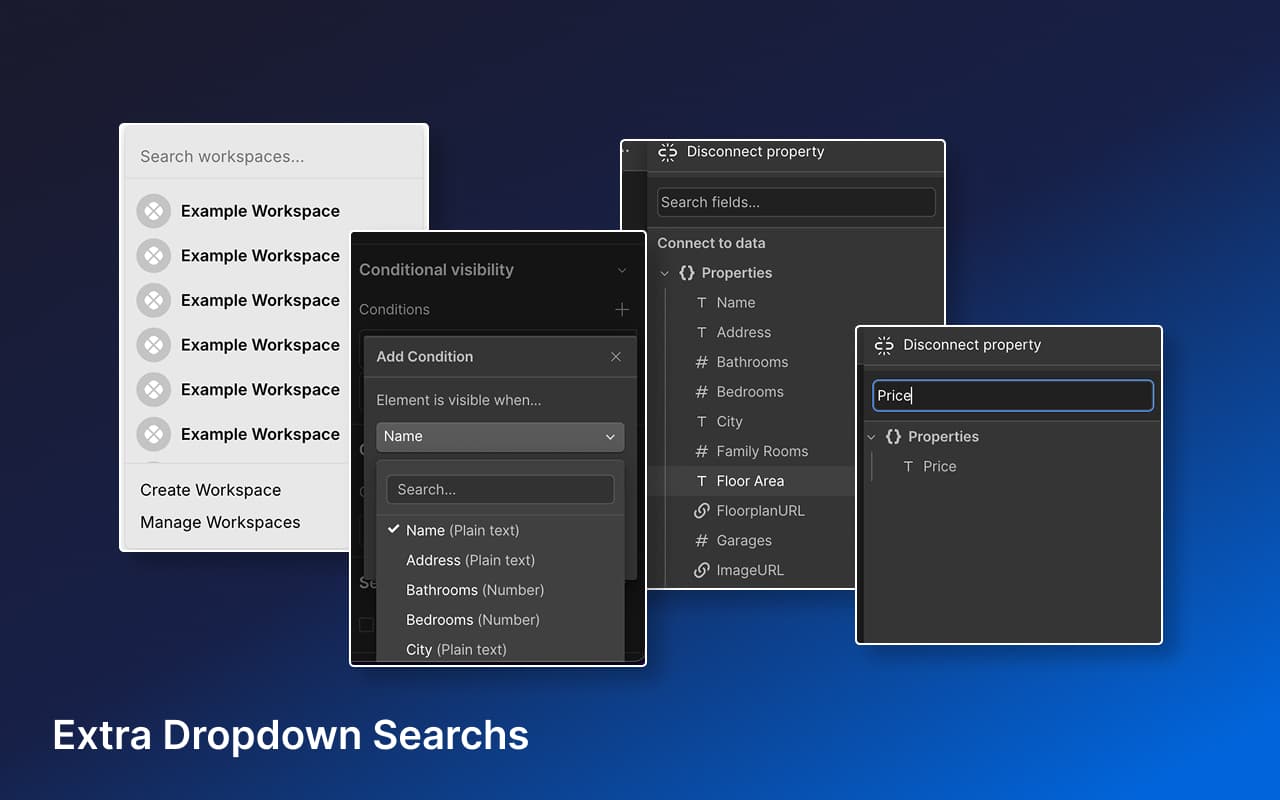
Webflow's Designer includes numerous tiny dropdowns that are difficult to navigate when content gets long. Flow Tools injects searchable functionality into these dropdowns throughout the Webflow editor, making it easy to find and select items even in deeply nested structures.
Monaco Editor Upgrade
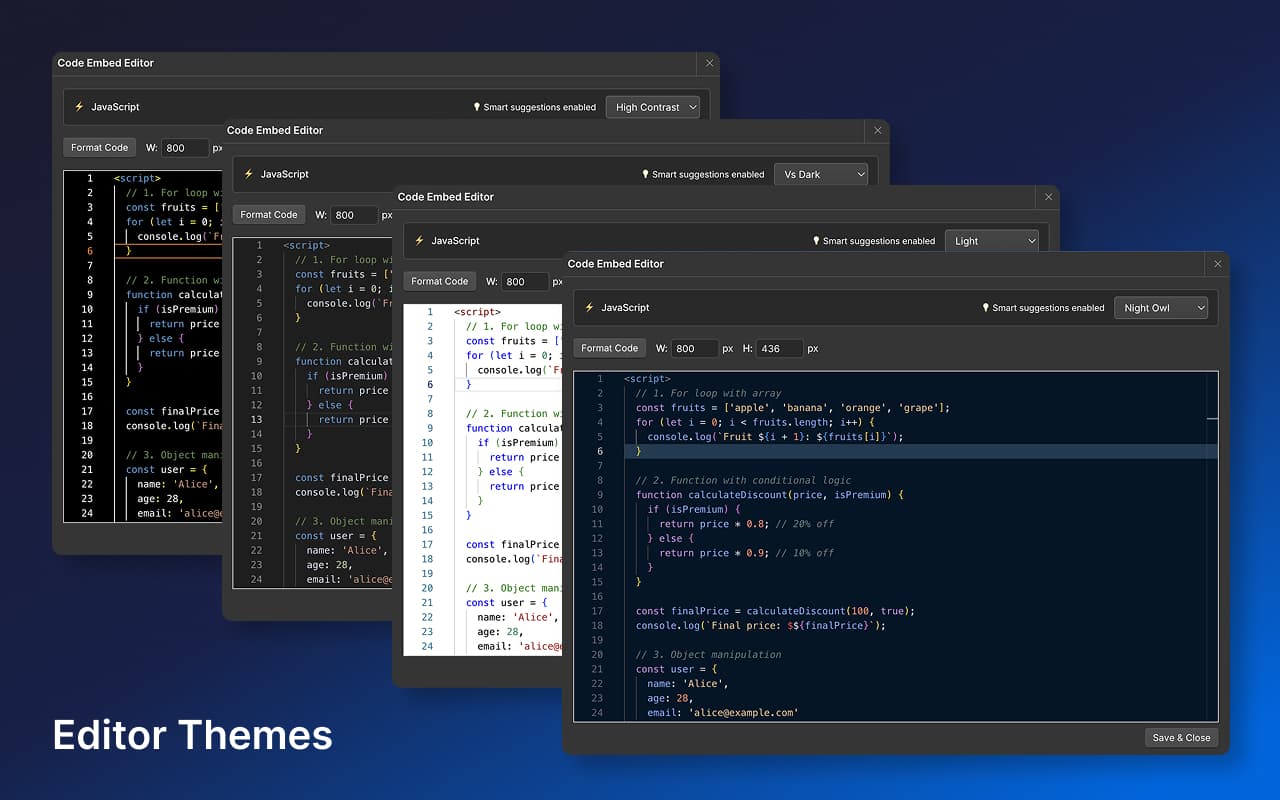
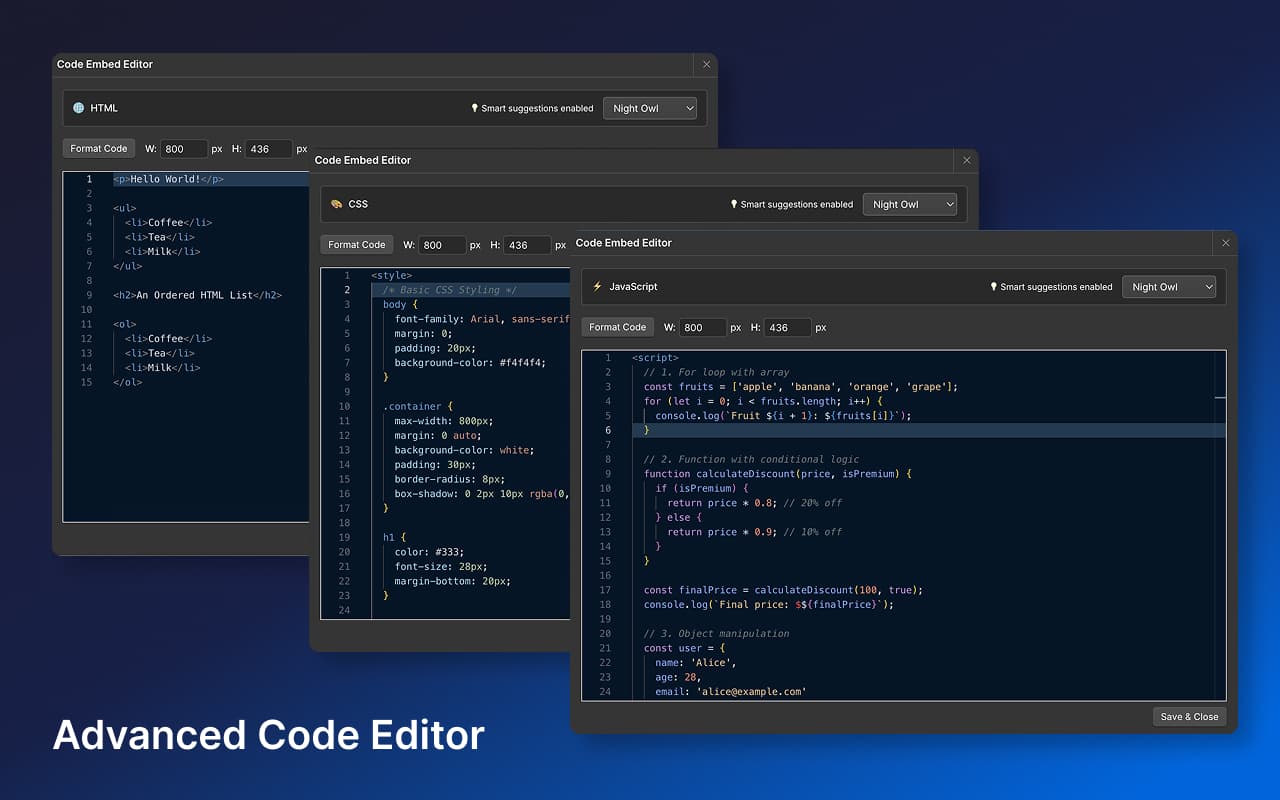
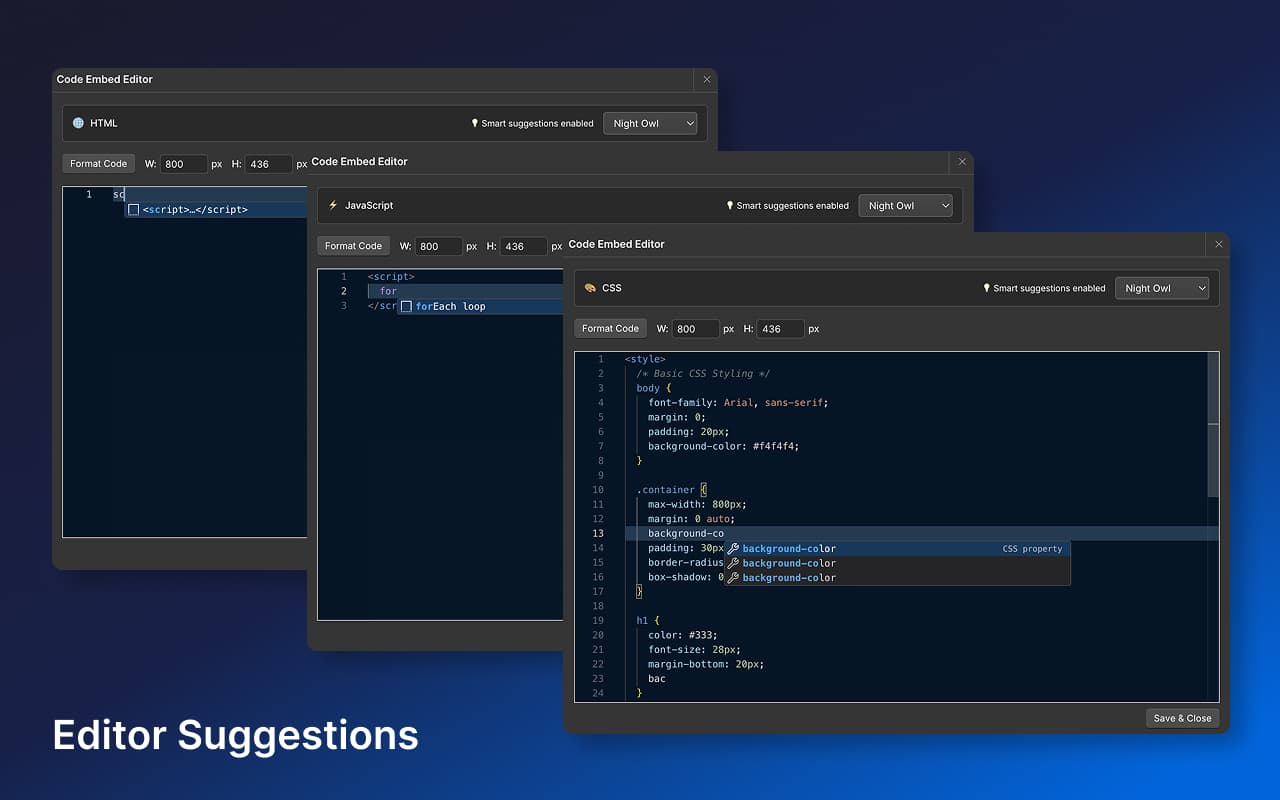
Replaces Webflow's basic textarea with Monaco Editor (the same editor powering VS Code), providing:
- Syntax highlighting for HTML, CSS, and JavaScript
- Multiple themes including Night Owl
- Smart autocomplete and code snippets
- Two-way sync with Webflow's CMS embeds
Technical Implementation
Built as a Chrome extension using vanilla JavaScript and Webpack. Integrates deeply with Webflow's Designer interface through content scripts, DOM manipulation, and state management for seamless two-way synchronization.
This project has been an invaluable learning experience in building and shipping a real product, with direct feedback from Webflow developers using the extension daily.